
Bring your reviews with you
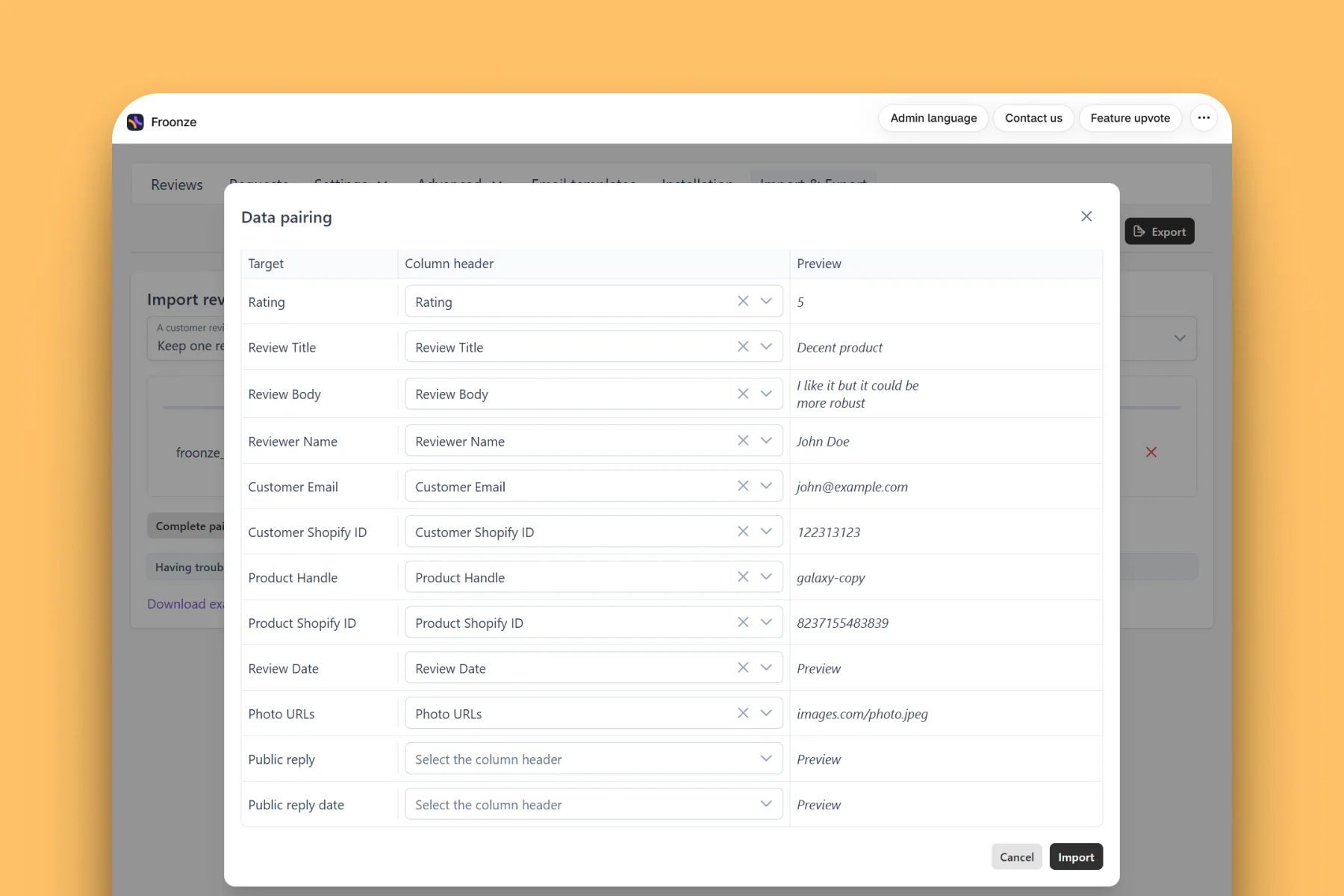
A self-service CSV importer, photos, video, and replies included, so switching apps doesn't mean starting from zero.
5,000+ Shopify and Shopify Plus stores run on Froonze
The problem
Switching apps shouldn't mean losing your reviews
.
Years of social proof live in your old review app.
Without a way to bring it over, you'd have to start every product from zero.
FAQ Answers
Answering your most frequent questions.
Direct, concise, and real answers that help you understand if we're a good match.
Find the right answers for every stage of your store's journey and size.
Find the right answers for every stage of your store's journey and size.
Which apps can I migrate reviews from?
Any app you can export a CSV from, including Judge.me, Loox, and Okendo.
Will my existing store replies come over too?
Yes, public replies and their original date can be included as columns in your CSV.
Can I import video, not just photos?
Yes, one video per review via the Video URL column. It needs to be a direct hosted link, not an uploaded file.
How long does it take for imported video to show up?
The file is copied to our storage and encoded first, so it can take a few minutes after the import finishes.
What happens to rows that fail to import?
You get a results email listing any rows that didn't come through, so nothing fails silently.
Still got questions about Froonze?
We got you covered! Get all your questions answered by the stellar support team at Froonze.
Pretty much every merchant feels like our team is part of their business.
Pretty much every merchant feels like our team is part of their business.

Get Started
Grow your store with Froonze.
Pick and pay only for the plugins you need.
Enjoy a 14-day free trial period.
Enjoy a 14-day free trial period.
One MODULAR app
Four Customer tools
Infinite growth
Built for Shopify
5-star rating